Returnless
Last updated: August 14, 2026
Connect your agent to Returnless to let it look up return details during customer conversations. Once connected, your agent can retrieve:
Return status — current progress of a return
Itemization — the specific products being returned
Customer feedback — the return reason and any comments from the return form
Financials — compensation and refund information
Engaige is available as an app in the Returnless App Store. Installation takes about a minute and requires no API keys: you install the app from your Returnless panel, confirm the connection in your Engaige dashboard, and you're done.
Before you start
You'll need:
Admin access to your Returnless panel
A user account on your Engaige dashboard
Setup
Step 1 — Install the Engaige app in Returnless
Log in to your Returnless panel and open the App Store. Find the Engaige app and click Install.
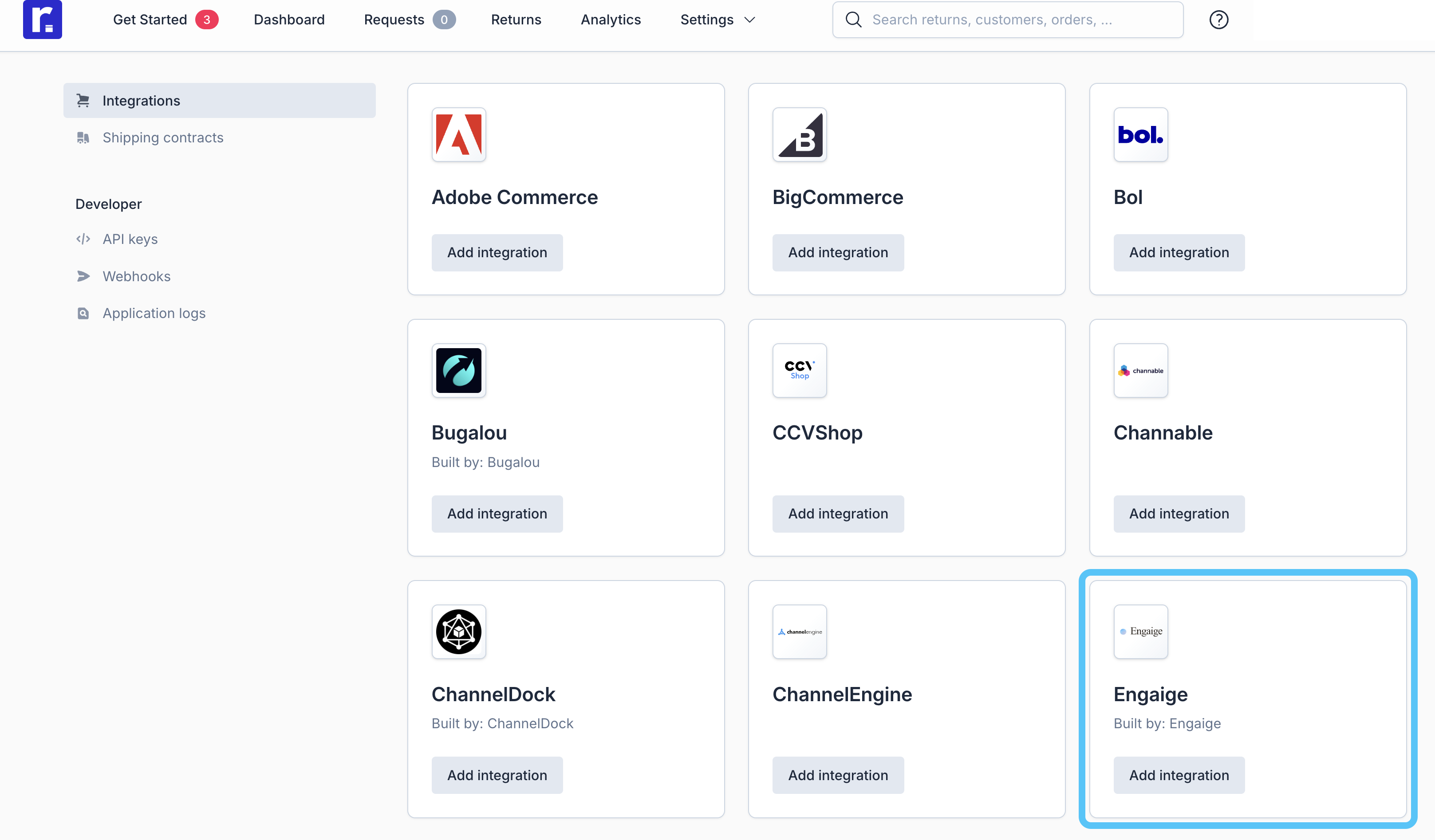
Step 2 — Log in to Engaige
Returnless automatically redirects you to your Engaige dashboard. If you aren't logged in yet, you'll be asked to log in first, and the installation continues on its own afterwards.
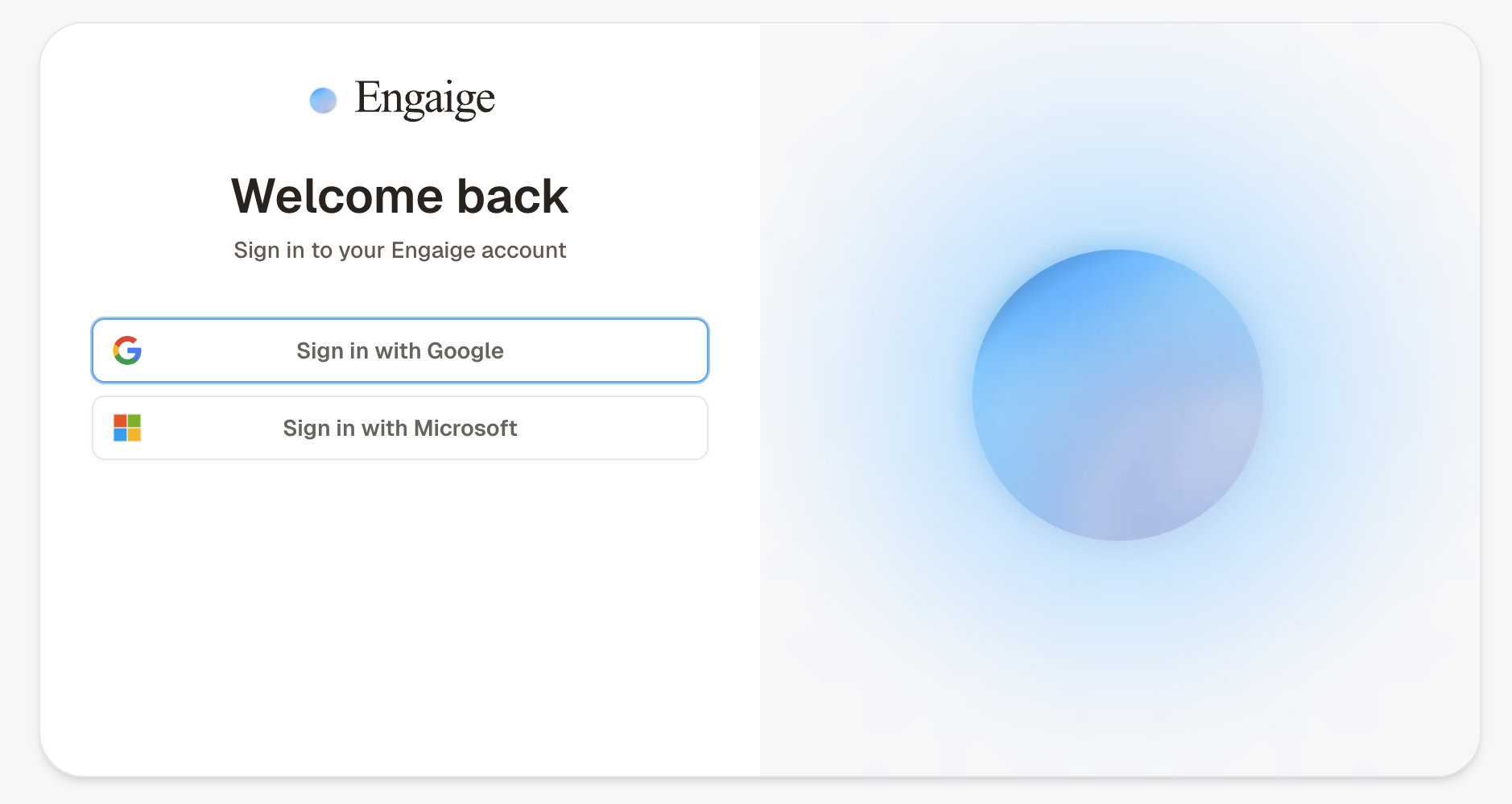
Step 3 — Confirm the connection
You'll see a confirmation screen showing the Returnless account that is about to be connected to your Engaige organization. Review the details and click Connect.
If you change your mind, click Cancel. You'll be returned to your Returnless panel and nothing is connected.
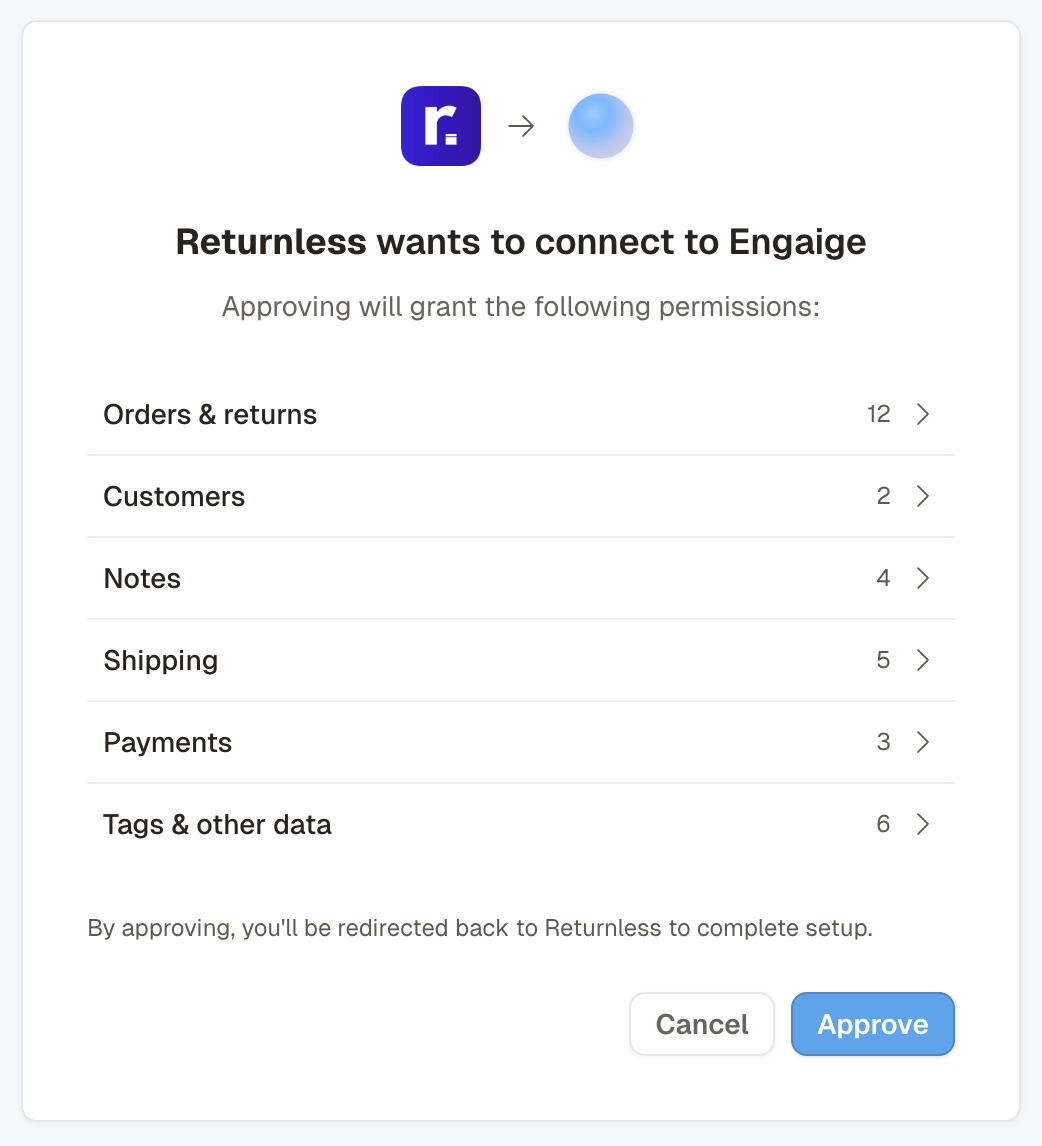
Step 4 — Done
That's it. You'll see a confirmation that Returnless is now connected. In your Engaige dashboard, under Settings → Integrations, the Returnless integration shows alongside your other enabled integrations, and the related actions are unlocked for your agent.
Already connected?
If your Returnless account is already connected to Engaige, the installation screen will tell you so. No duplicate connection is created, and your existing setup is left untouched.
Upgrading from an API-key connection
Your existing API-key connection keeps working until you upgrade, there's no rush and no downtime.
When you're ready, install the Engaige app from the Returnless App Store as described above. Your existing connection is automatically upgraded: your agent configuration, actions, and history are untouched, and no duplicate integration is created.
Actions
Enabling the Returnless integration unlocks new actions for your agent automatically, no manual setup per action is required. In the Actions view, use the search bar and search for "Returnless" to see them.
Get Returns
What it does. Lets the agent retrieve return details using an order number together with either the customer's email address or postal code.
Security & verification. These parameters act as a mandatory verification layer: the agent confirms the customer's identity before any return data is shared. If the order number and the email address (or postal code) don't match, Returnless returns no data.
Data visibility. On a successful lookup, the agent can see the return status, itemization, customer feedback, and financials described at the top of this page.
When the agent uses this action in a conversation, it appears in the conversation view. Clicking the details shows exactly what information was visible to the AI.
Disconnecting
To disconnect, uninstall the Engaige app from your Returnless panel. The integration in Engaige is disabled automatically and the related actions are removed from your agent.
Support
Experiencing issues with the Returnless integration, or interested in additional Returnless actions? Email support@letsengaige.com and a member of our team will respond promptly.