Rever
Last updated: January 21, 2026
Connect your agent to Rever to enable fetching, flagging, or canceling returns.
Setup
Step 1
In order to connect Rever to your AI agents, we use API credentials to connect to your portal.
In order to do so, you need to contact your Rever Account Manager to request your credentials for using the Rever API (See Rever API documentation for more information: https://docs.itsrever.com/guides):
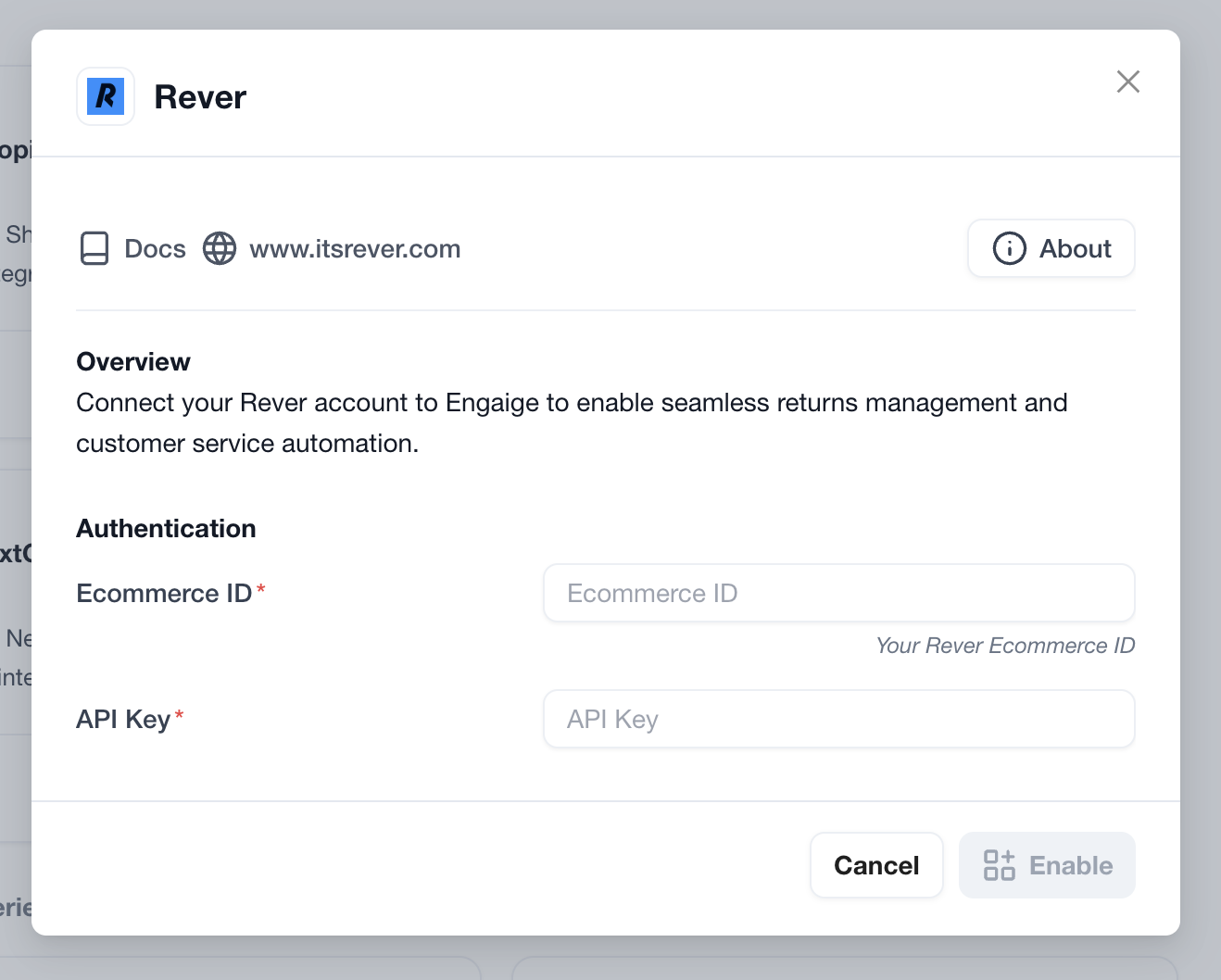
Your ecommerce_id
Your API key
Your ecommerce_ID can also be found in the domain of your public return page:
https://returns.itsrever.com/:your_ecommerce_id
Step 2
Once the credentials collected, log in to your Engaige dashboard:
Navigate to the Settings section on the left side pannel of the Platform.
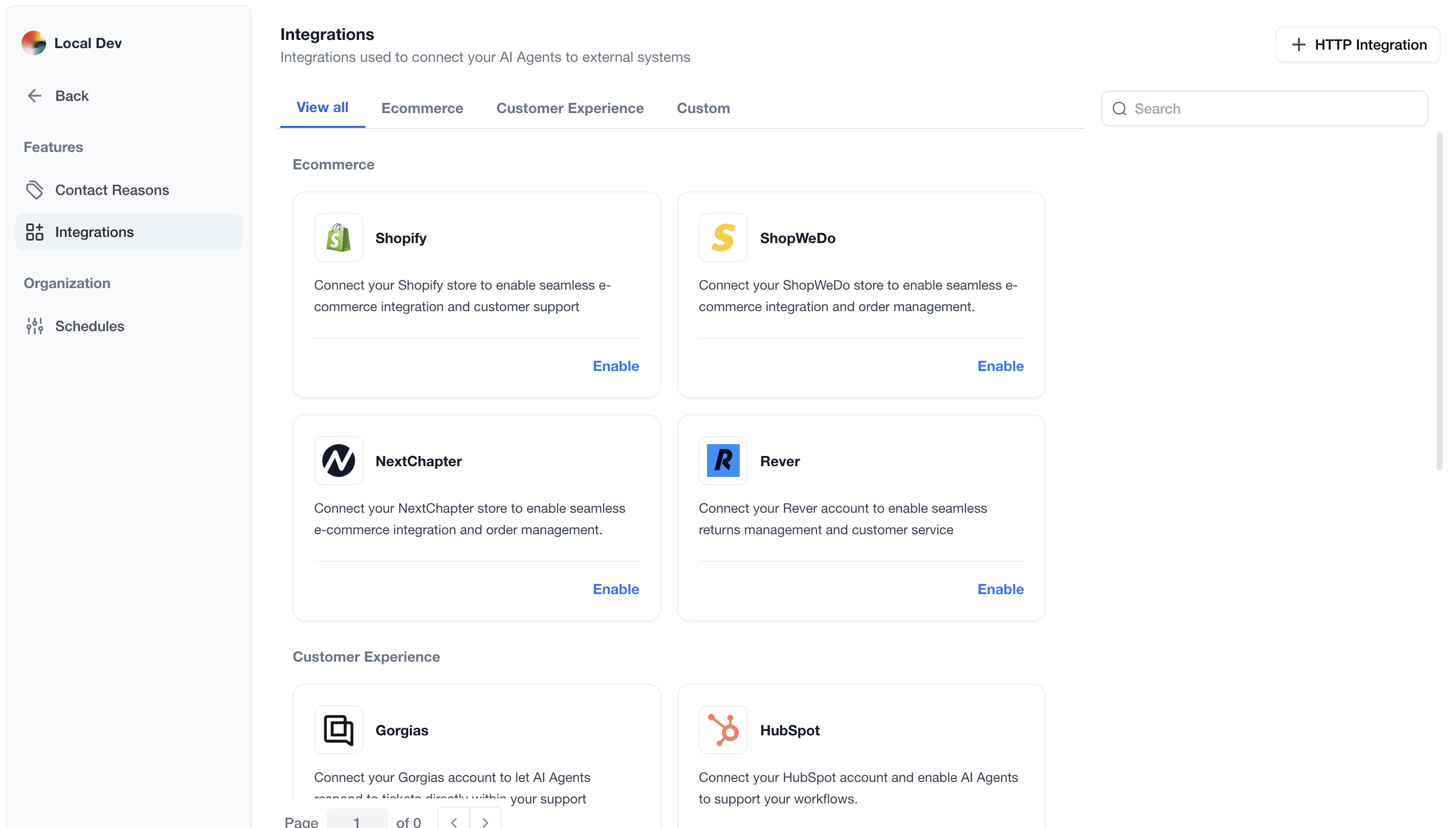
Enter the Integrations screen
Click on the Rever integration Enabled button. If the integration is not visible, use the search bar at the top right of the page to locate the integration.
Once this is completed, enter your values in the following form.
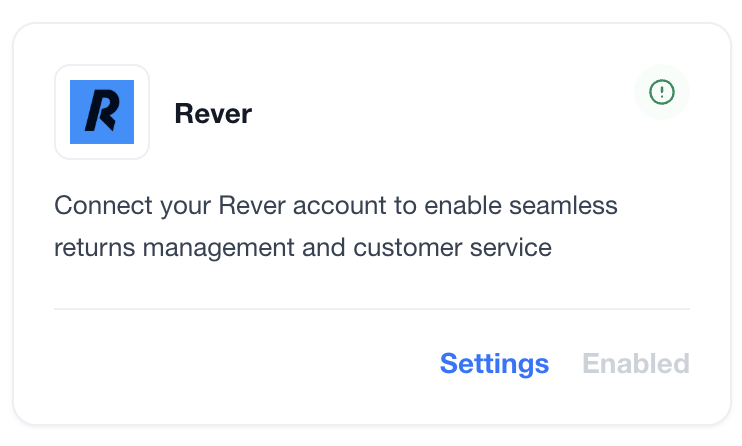
You are now all done ✅ : your Rever account is now linked to Engaige. If the setup is correct, you will see a green indicator on the integration, confirming that the Rever integration is now synced with Engaige and that the related actions are unlocked for the agent.
Actions
Enabling the Rever integration allows you to unlock new actions for your agent. In the Actions view, use the search bar at the top right and search for 'rever' to display all related actions.
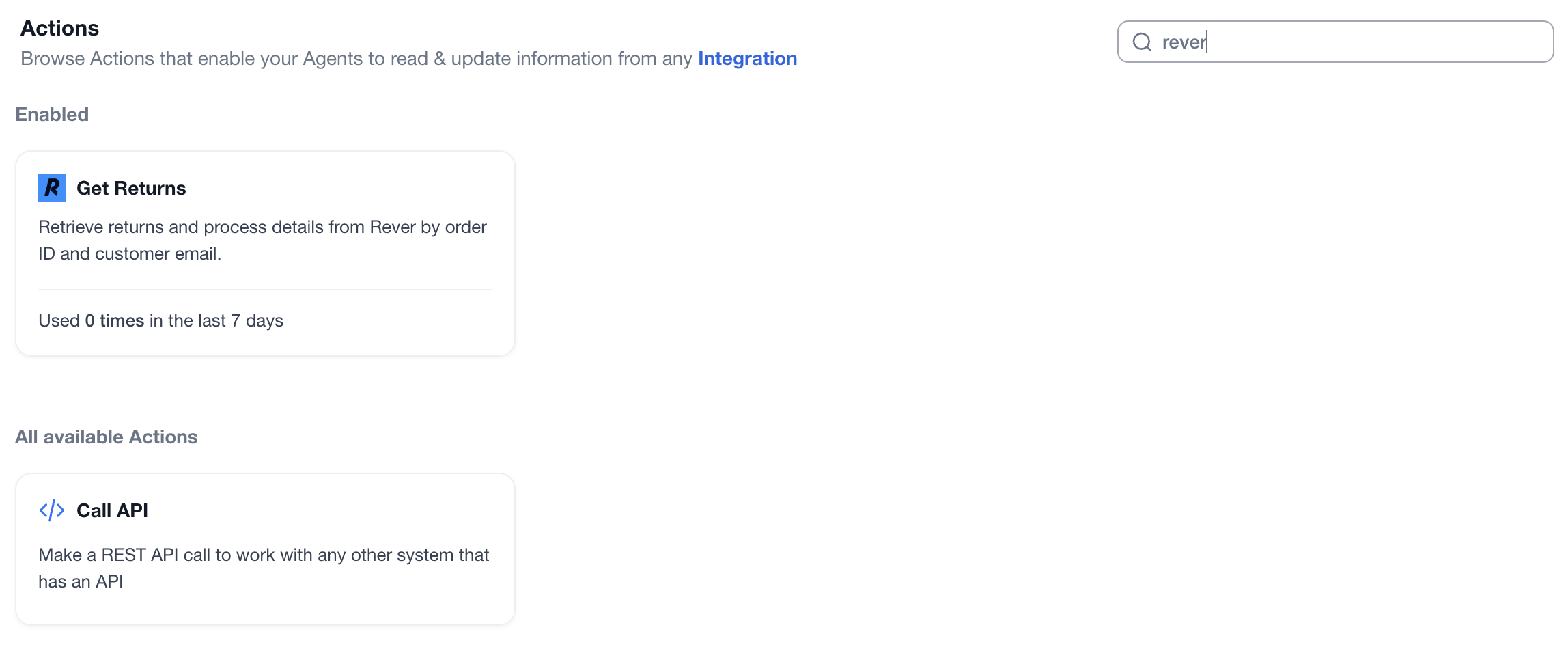
Get Returns
Functionality: This action empowers the agent to retrieve return details using a Shopify order number with the customer's email address.
Security & Verification: These parameters serve as a mandatory authentication layer, ensuring the agent verifies the customer's identity prior to processing the request. If either the order number or email address of the customer is not matching, Rever will not provide return data.
Data Visibility: Upon successful retrieval, the agent can access:
Return Status: Current progress of the return processes associated with the order.
Itemization: A list of specific products being returned from previous return processes.
Customer Information: The order details and customer email associated with the return.
Process Details: Comprehensive summary information for each return process, including status, timeline, and processing information.
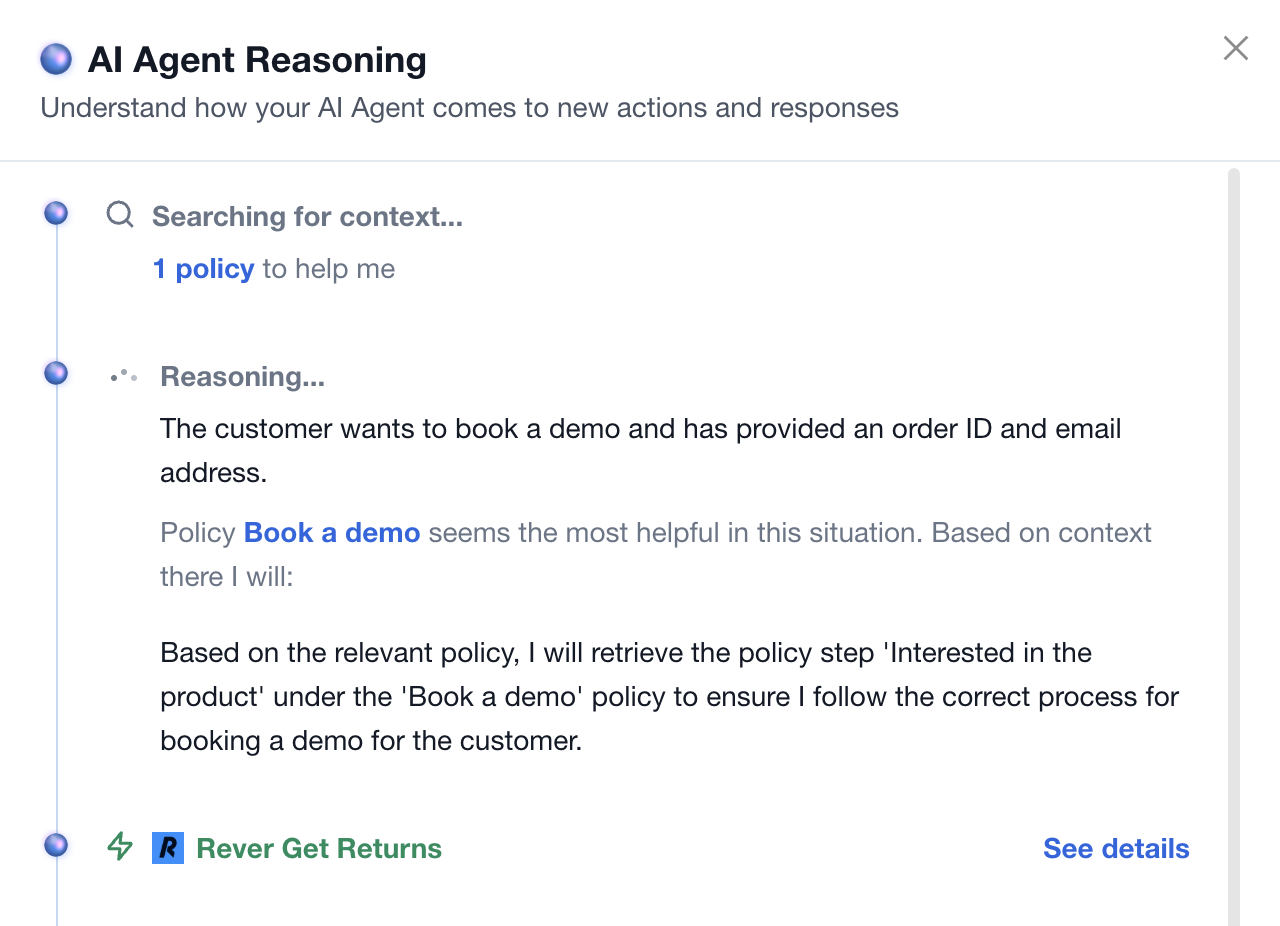
If the action is used by an agent during a conversation, it will appear as shown below. Clicking on the details will display what information is visible to the AI for the given order (see image below).
Implementation
For your agent to use the action, it must be unlocked by a policy. For more information on policies and how to create them, see the following article: 📄 Policy - Full guide.
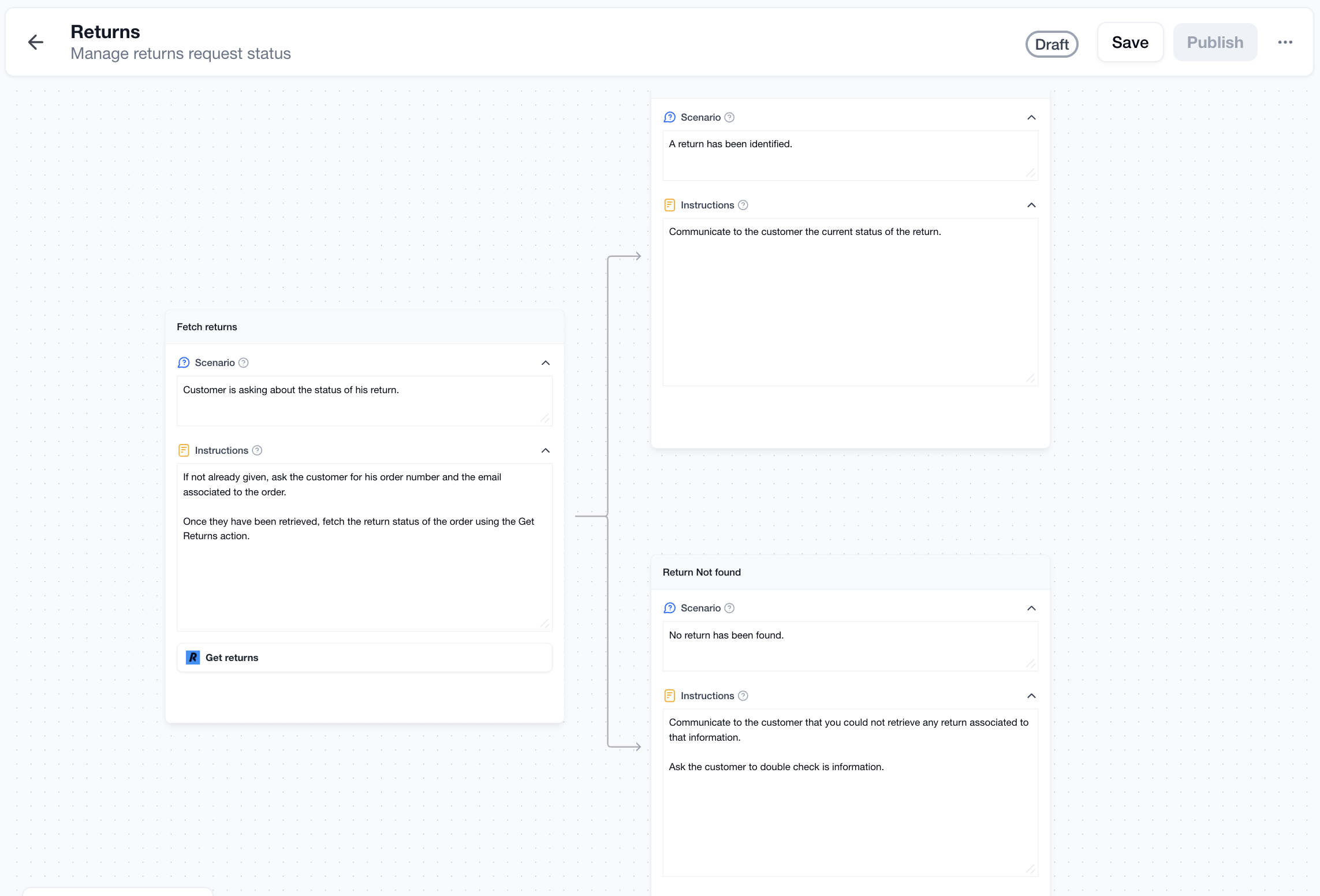
For example, once the Rever integration has been enabled and all related actions have been unlocked, all actions associated with it will be selectable within policies. You can then grant your agent access to any Rever action for any policy step of your choice.
For example, you could create a policy regarding return status for clients inquiring about the progress of their return process. You can then instruct your agent to first request the order number, if not already provided, along with the associated email address. Once obtained, the agent can use the newly unlocked Rever action to retrieve the status. Customize this base template to align with your team’s workflow, how they handle various possible statuses, and how they communicate with customers in the next steps of the policy.
Support
Are you experiencing issues integrating with Rever or interested in additional actions with Rever?
Please send an email to support@letsengaige.com, with your request, and a member of our team will respond to you promptly.