Returnless
Last updated: July 1, 2026
Connect your agent to Returnless to enable your agent to fetch, flag and initiate returns.
Setup
Step 1
Returnless Authentication is based on API keys usage against the REST API.
The first step is for you to generate said API Key. To do so, see this document created by Returnless: Creating API Keys.
Assigning a descriptive name to your API key inside Returnless (in this case Engaige) facilitates easier identification of the API key associated with each provider.
Step 2
Once you have created your API key, log in to your Engaige dashboard and navigate to the Settings section.
From there, click on the
Integrationssection.Click on the Returnless integration
Enabledbutton. If the Returnless integration is not visible, use the search bar at the top right of the page to locate the integration searching for 'Returnless' .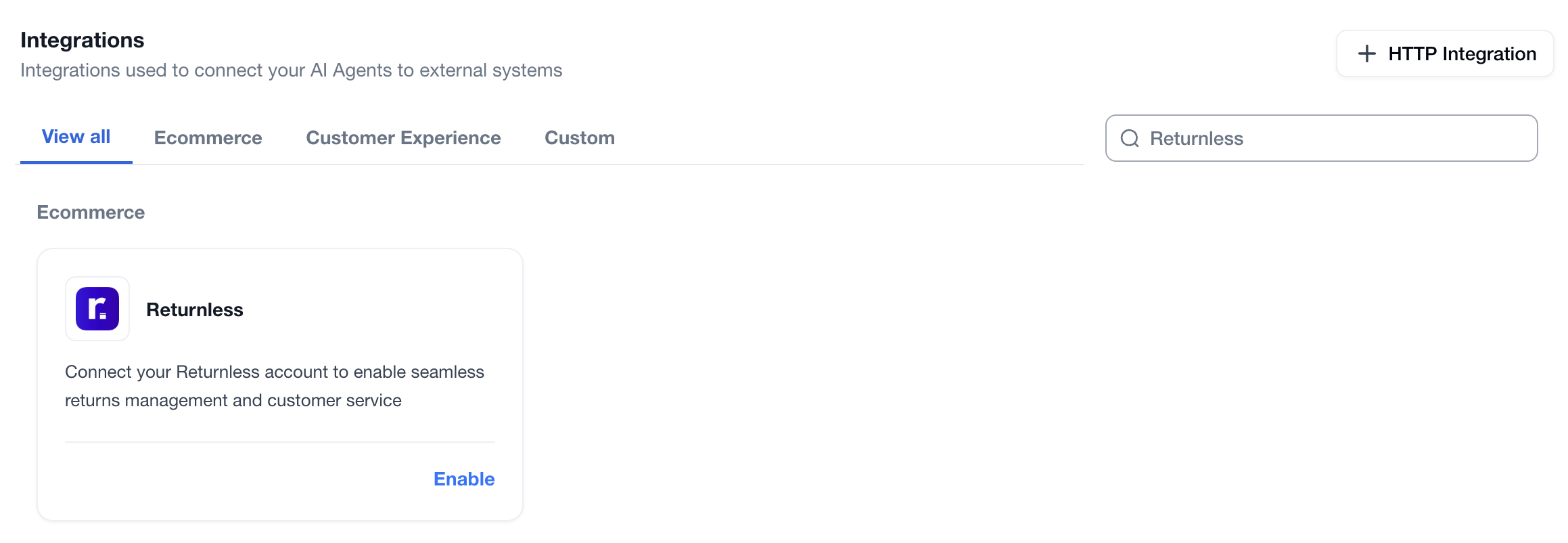
Once this is completed, enter your values in the following form.
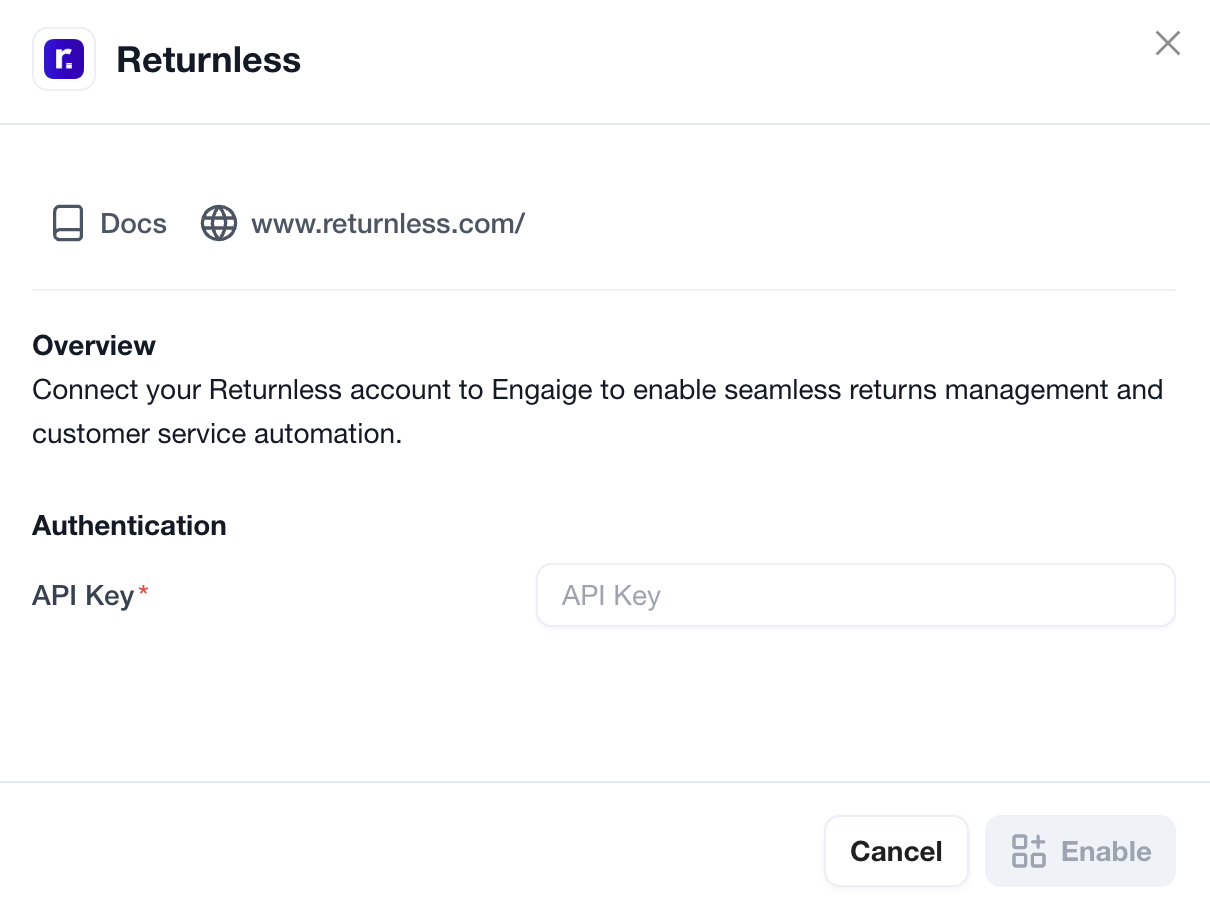
To finalize the setup, click the Enable button.
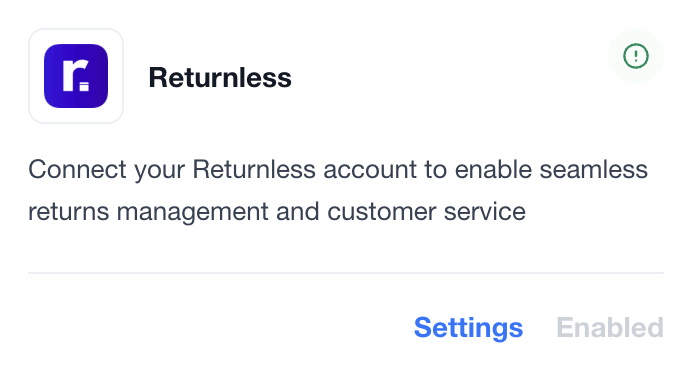
You are now all done: your Returnless account is now linked to Engaige. If the setup is correct, you will see a green indicator on the integration, confirming that the Returnless integration is now synced with Engaige and that the related actions are unlocked for the agent.
Actions
Enabling the Returnless integration allows you to unlock new actions for your agent. In the Actions view, use the search bar at the top right and search for 'Returnless' to display all related actions.
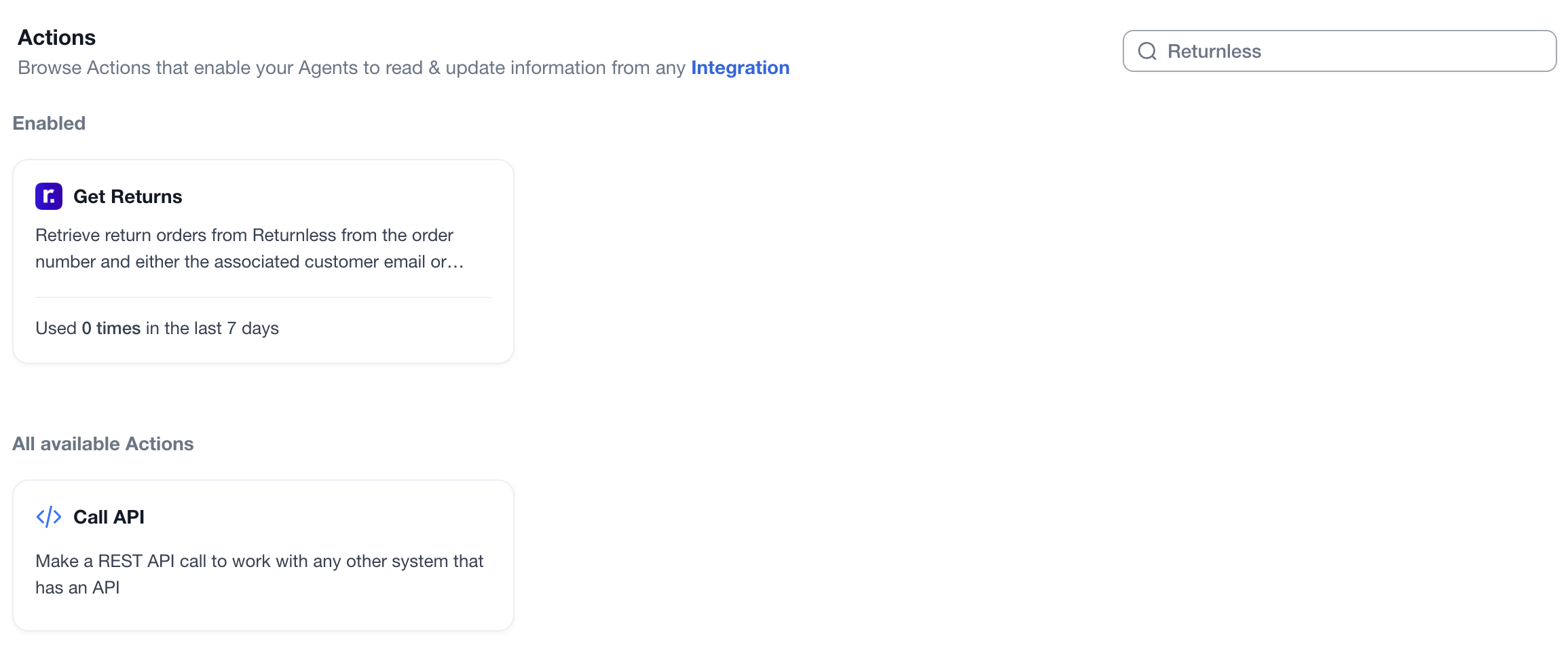
Get Returns
Functionality: This action empowers the agent to retrieve return details using a Shopify order number with either the customer’s email address or postal code.
Security & Verification: These parameters serve as a mandatory authentication layer, ensuring the agent verifies the customer’s identity prior to processing the request. If either the order number or email address of the customer is not matching, Returnless will not give us return data.
Data Visibility: Upon successful retrieval, the agent can access:
Return Status: Current progress of the return.
Itemization: A list of specific products being returned.
Customer Feedback: The stated reason for the return and any additional comments provided in the return form.
Financials: Detailed compensation and refund information.
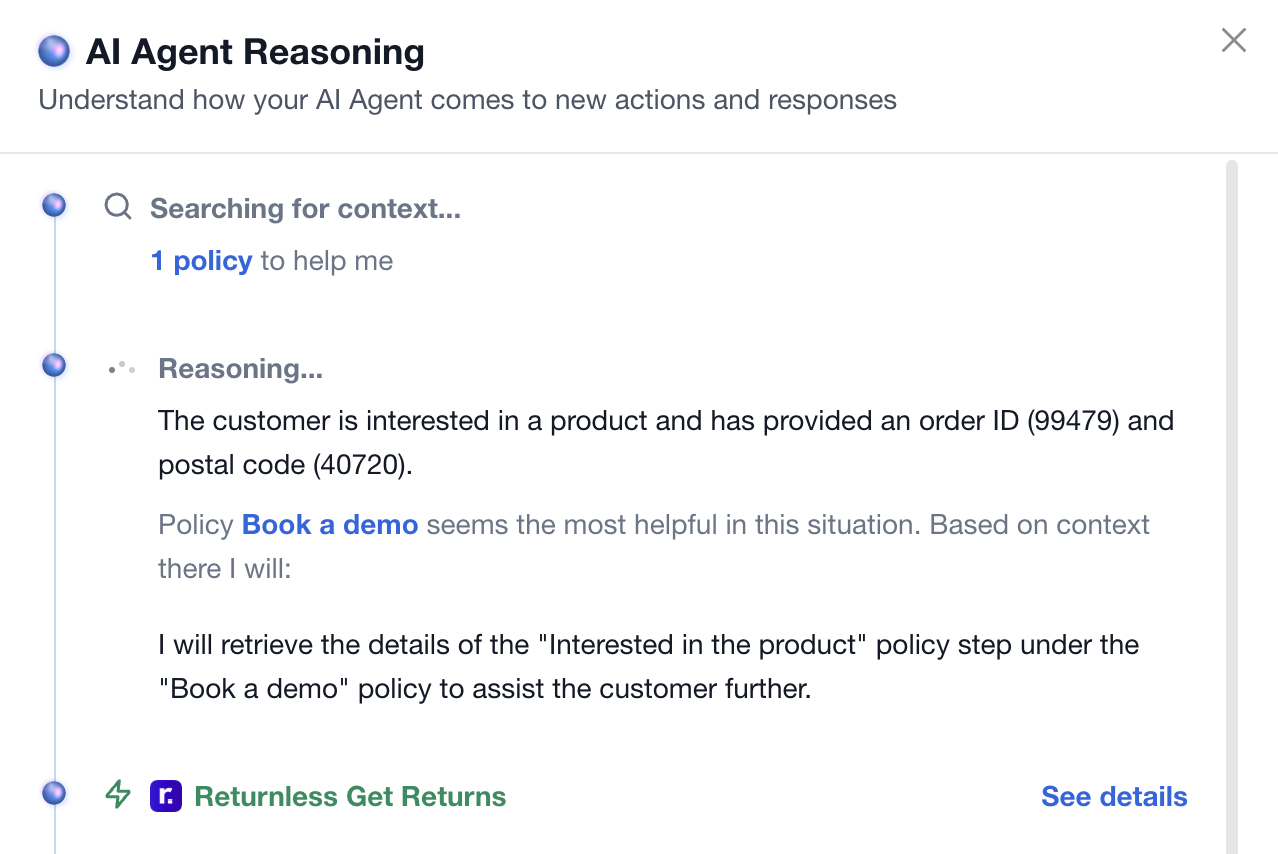
If the action is used by an agent during a conversation, it will appear as shown below. Clicking on the details will display what information is visible to the AI for the given order (see image below).
Support
Are you experiencing issues integrating with Returnless or interested in additional actions with Returnless?
Please send an email to support@letsengaige.com with your request, and a member of our team will respond to you promptly.