Skio
Last updated: February 9, 2026
Bridge the gap between your AI and Skio to give subscribers a direct line to skip, pause, or modify their orders, resolving management inquiries instantly without human intervention.
Setup
Step 1
In order to connect to Skio to Engaige, you need to Create an API Key. API keys allow your Agents to programmatically read and manipulate subscription data from your Skio instance. For more details, see the Skio Admin API Introduction.
In order to generate an API key, in your Skio dashboard, go to API & Integrations > API:
Enter a name for your new API key.
Assigning a descriptive name to your API key inside Skio (in this case
Engaige) facilitates easier identification of the API key associated with each use case.Click Generate API key.
Note: You can only view the key once. Be sure to copy it and store it in a safe place.
Press the Copy button to copy the key.
Step 2
Once the credentials collected, you have now all information needed to enable the integration inside Engaige:
log in to your Engaige dashboard
Navigate to the Settings section on the left side panel.
From there, click on the Integrations section.
Click on the Skio integration Enabled button. If the Skio integration is not visible, use the search bar at the top right of the page to locate the integration.
Enter your API KEY from the very first step in the form:
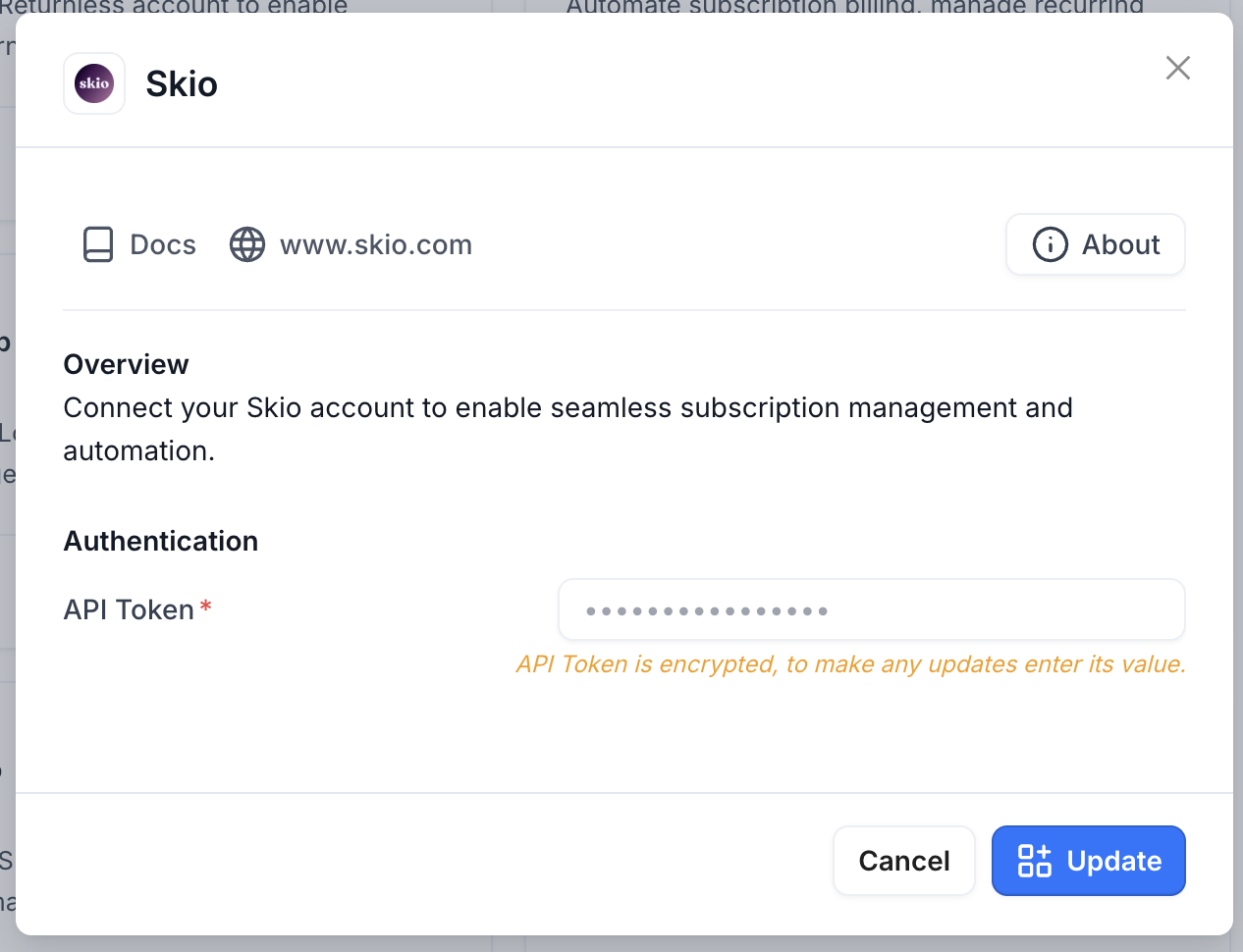
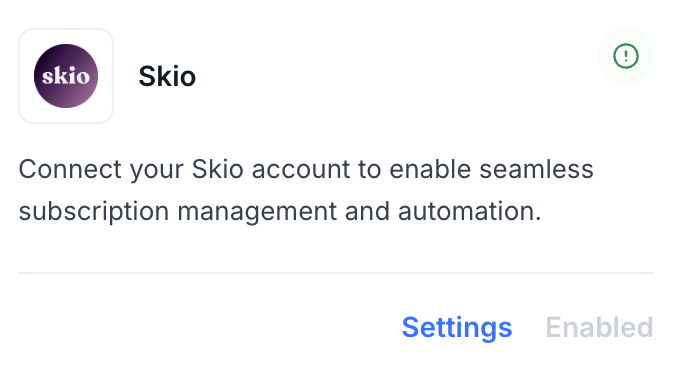
You are now all done ✅ : your Skio account is now linked to Engaige. If the setup is correct, you will see a green indicator on the integration, confirming that the Skio integration is now synced with Engaige and that the related actions are unlocked for the agent.
Actions
Enabling the Skio integration allows you to unlock new actions for your agent. In the Actions view, use the search bar at the top right and search for 'Skio' to display all related actions.
Get Customer Subscriptions
This action is the first action to execute in every subscription-related workflow. It will retrieve the required context for the AI to make the right choices, and the retrieved data is required to execute other subscription actions.
Functionality: This action empowers the agent to retrieve comprehensive subscription details and customer information from Skio for a given customer. It queries Skio's GraphQL API to retrieve the customer profile along with their active subscriptions, recent orders, and shipping addresses.
Security & Verification: The customer email address is mandatory and serves as the primary identifier for retrieving subscription data. The email must be a valid email address format, ensuring the agent targets the correct customer account. If no customer is found for the provided email address, the action will return a message indicating no customer was found, and no subscription data will be shared.
Data Visibility: Upon successful retrieval, the agent can access Skio subscription details for the given customer, such as:
Customer Profile: Basic customer information including ID, email, name, subscription status, cycle completion count, next billing date, and status context.
Shipping Addresses: The customer's saved shipping addresses (up to 3 most recent), including address lines, city, province, country, and postal code.
Orders: Recent order history (up to 3 most recent), including order ID, platform ID, order name/number, total price, and processing dates.
Subscriptions: The list of subscription records associated with the customer, including:
Subscription status and next billing date
Fulfillment orders (up to 3 most recent per subscription) with order details and pricing
Subscription lines (up to 3 most recent per subscription) with product variant information, quantity, pricing, and remaining orders
Support
Are you experiencing issues integrating with Skio or interested in additional actions with Skio?
👉 Please send an email to support@letsengaige.com, with your request, and a member of our team will respond to you promptly.