ShopWeDO
Last updated: January 22, 2026
Connect your agent to ShopWeDo to enable your AI to provide the latest shipment details and a direct line to your warehouse floor to instantly resolve stock, picking, and backorder inquiries.
Setup
Step 1
In order to connect to ShopWeDo, you will need the following credentials:
Your ShopID
Your B2C key
You can ask ShopWeDo help center to provide you with those: support@shopwedo.com
(See ShopWeDo API documentation for more information: https://admin.shopwedo.app/developer)
Step 2
You have now all information needed to enable the integration inside Engaige, log in to your Engaige dashboard:
Navigate to the Settings section on the left side panel.
From there, click on the Integrations section.
Click on the ShopWeDo integration Enable button. If the ShopWeDo integration is not visible, use the search bar at the top right of the page to locate the integration.
Enter your credentials from Step 1 in the form:
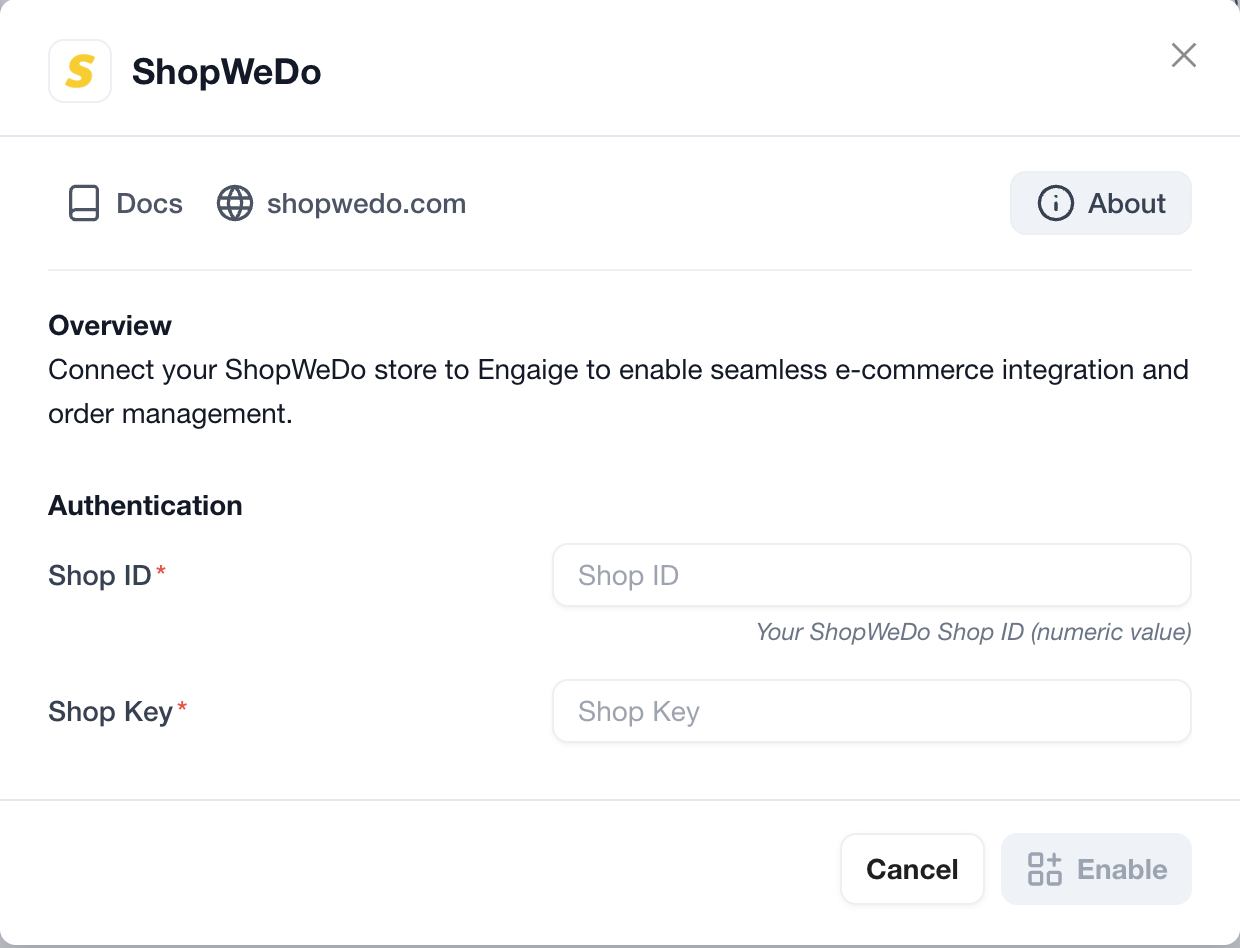
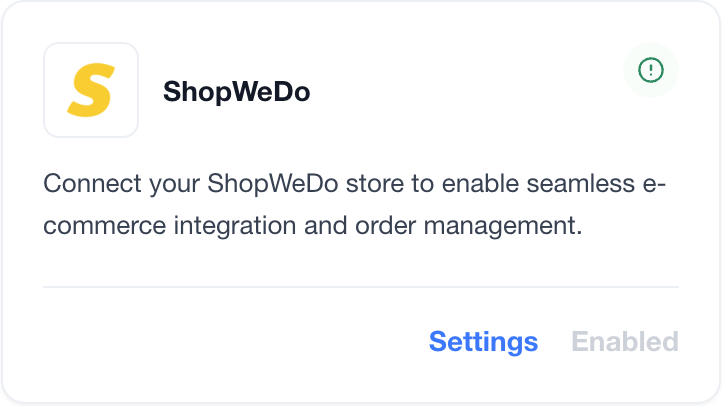
You are now all done ✅ : your ShopWeDo account is now linked to Engaige. If the setup is correct, you will see a green indicator on the integration, confirming that the ShopWeDo integration is now synced with Engaige and that the related actions are unlocked for the agent.
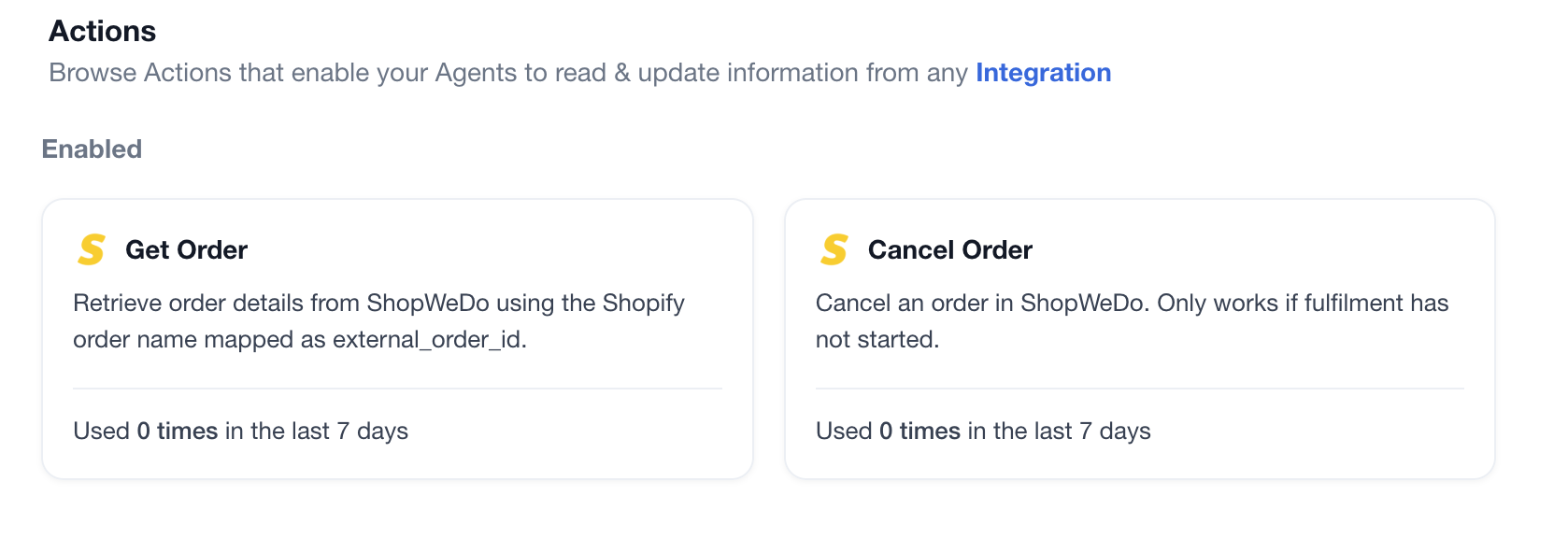
Actions
Enabling the ShopWeDo integration allows you to unlock new actions for your agent. In the Actions view, use the search bar at the top right and search for 'ShopWeDo' to display all related actions.
Support
Are you experiencing issues integrating with ShopWeDo or interested in additional actions with ShopWeDo?
👉 Please send an email to support@letsengaige.com, with your request, and a member of our team will respond to you promptly.